Create and join Forum discussions
Organise durable community conversations into categories, publish a Topic and participate through replies and reactions.
forums.mov · Reviewed against the Buzzmint Engage interface on 16 July 2026. The original full-motion master remains in the private BUZZMINT VIDEOS Drive folder.
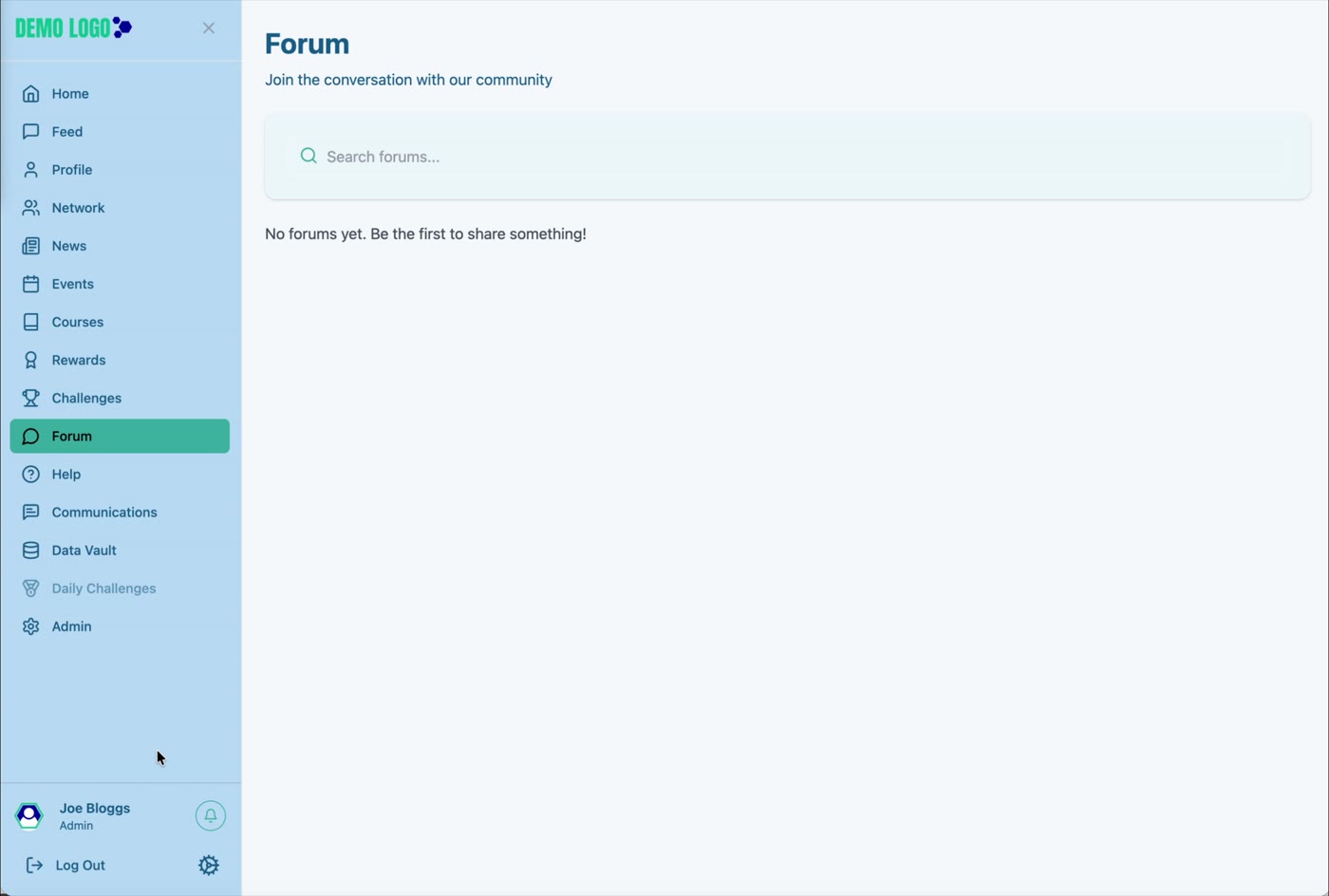
- 00:00Review Forum
See the empty state, search and category structure.
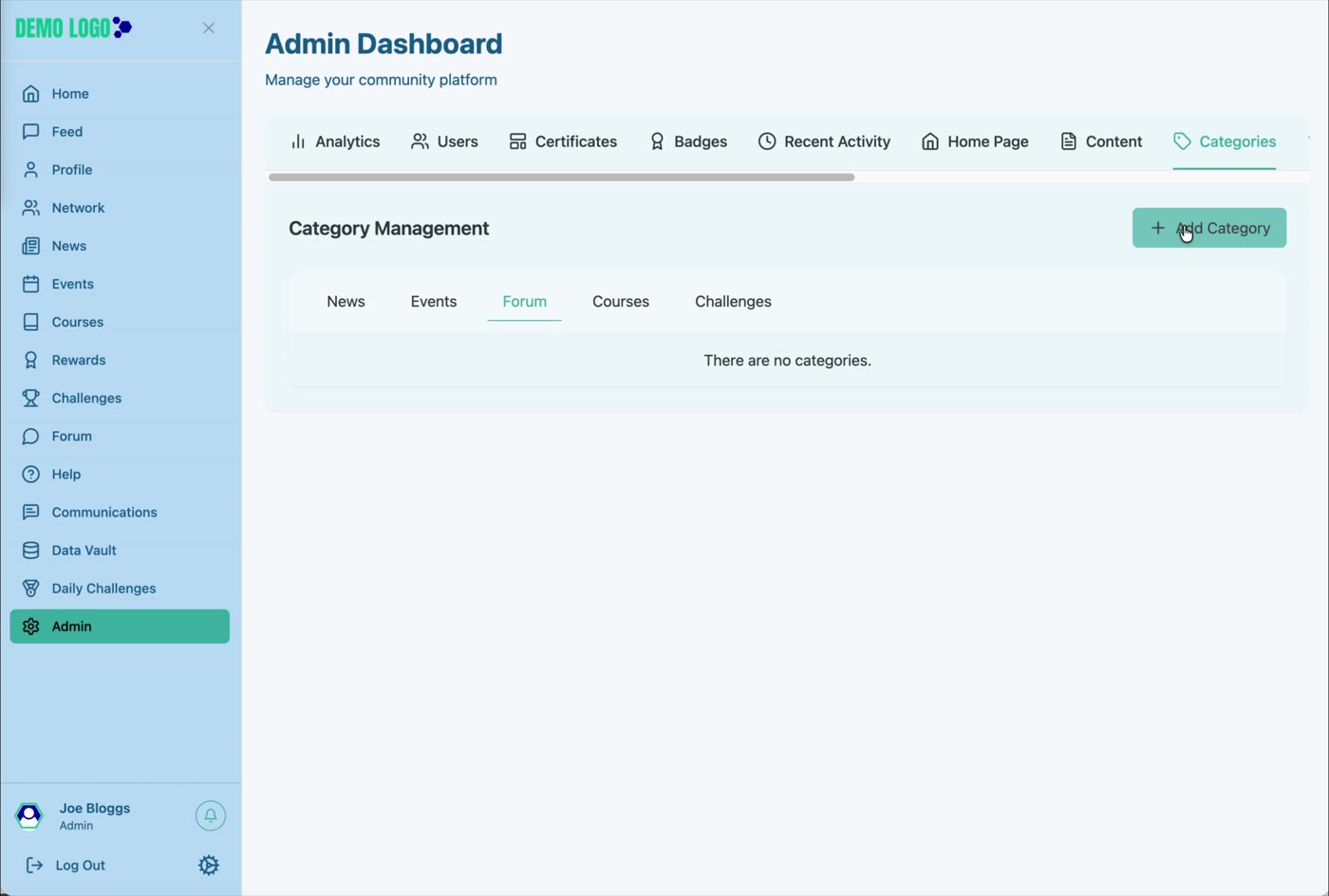
- 00:33Create a Forum category
Add the category in Admin.
- 00:56Open the category
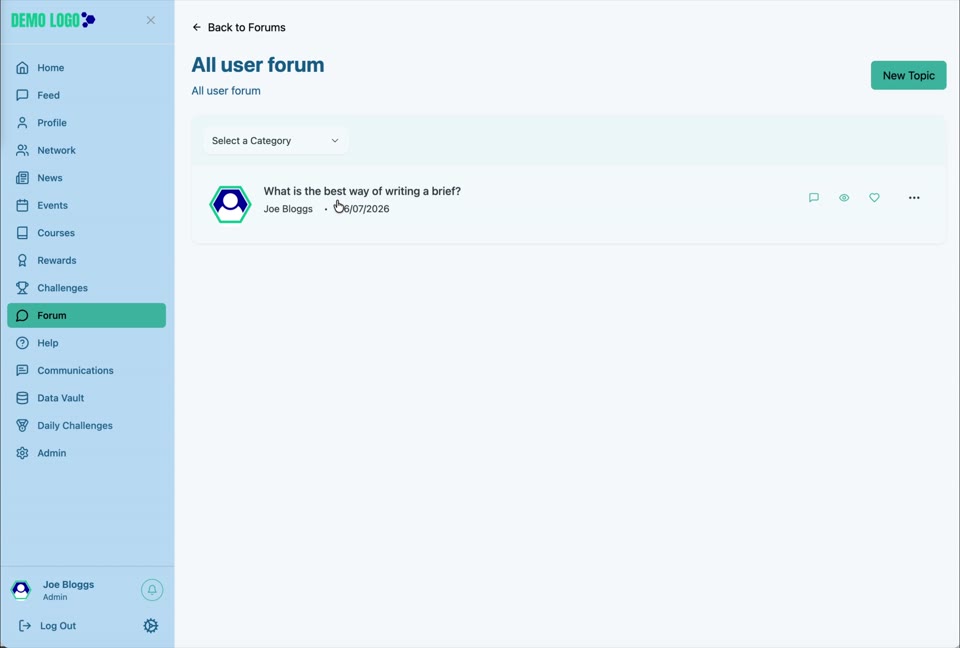
Enter the Forum and select New Topic.
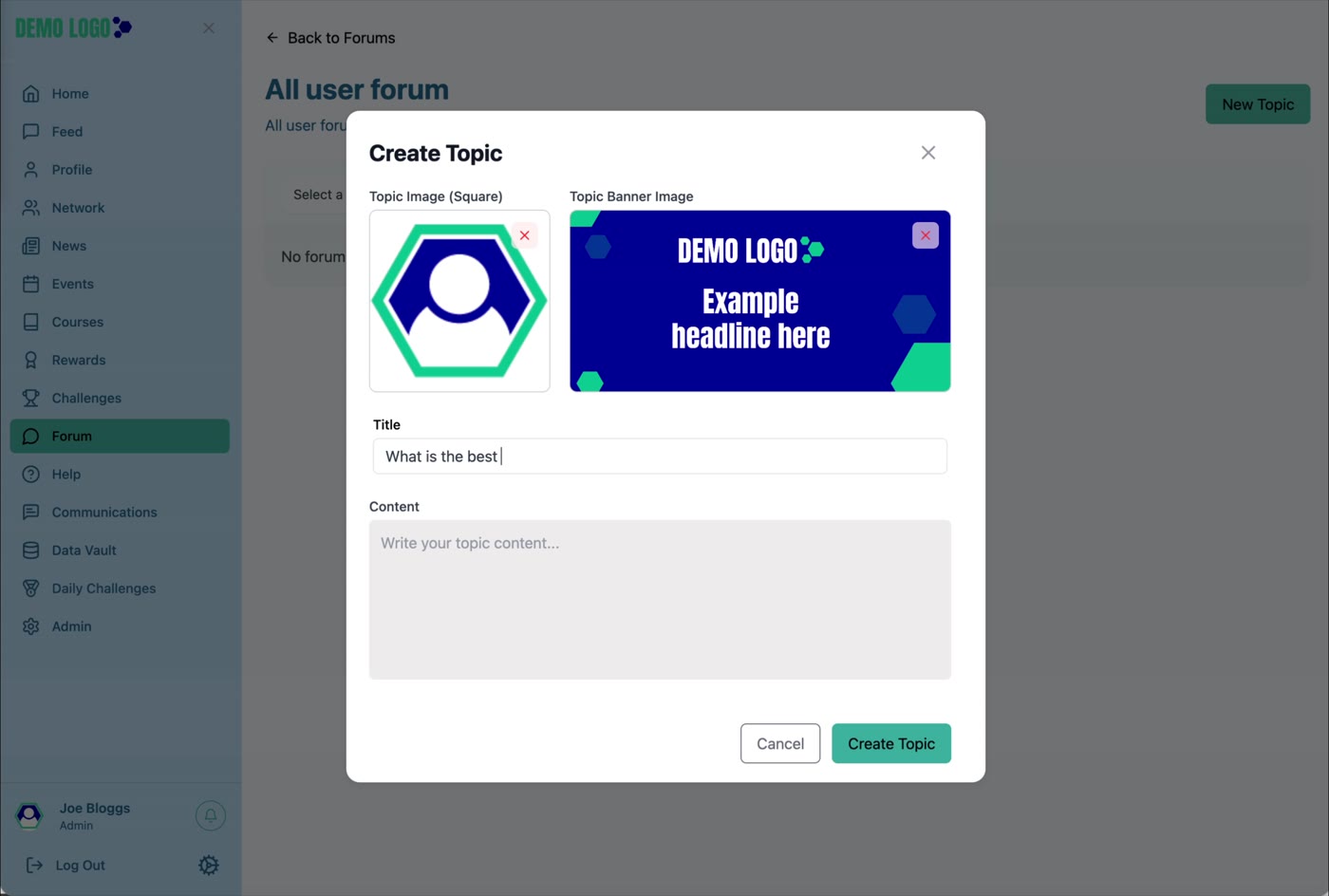
- 01:06Create a Topic
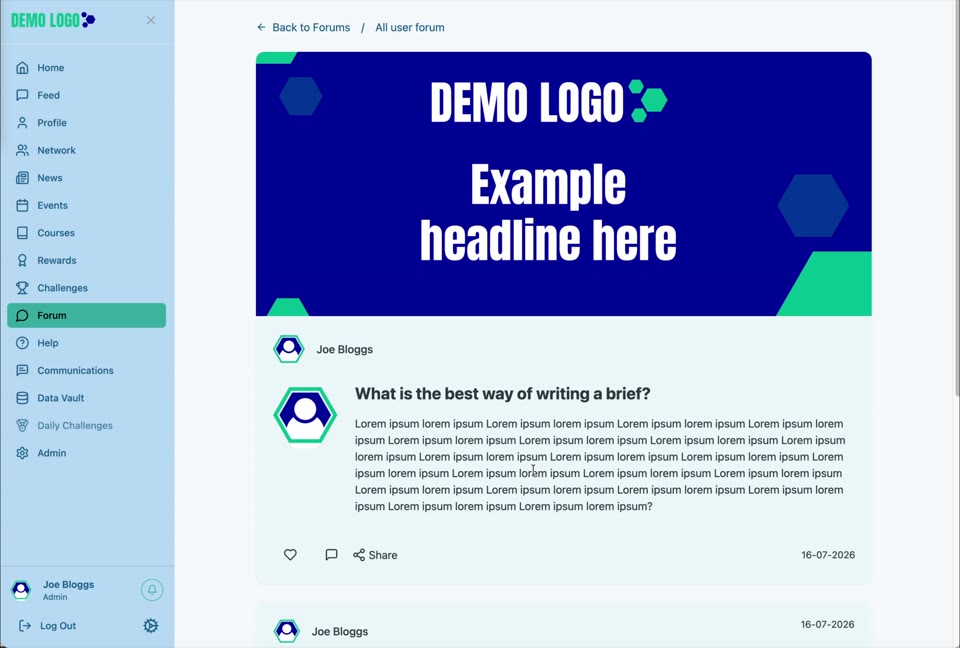
Add square image, banner, title and content.
- 02:13Reply and engage
Open the Topic, post a reply and use the engagement controls.
What Forum is for
Forum supports longer-running, topic-based discussion. Unlike Feed, a Forum preserves conversations inside categories and Topics so members can return to them later.
Create the Forum category
Use Admin → Categories → Forum to add the category name and description. Open the category from Forum after it becomes Active.
Create a Topic
Open the Forum category
Select the category, then choose New Topic.
Add the Topic images
Upload the square Topic Image and the wider Topic Banner Image in the supported formats.
Write the title
Use a title that makes the discussion question or subject obvious.
Add the content
Provide enough context for members to respond constructively.
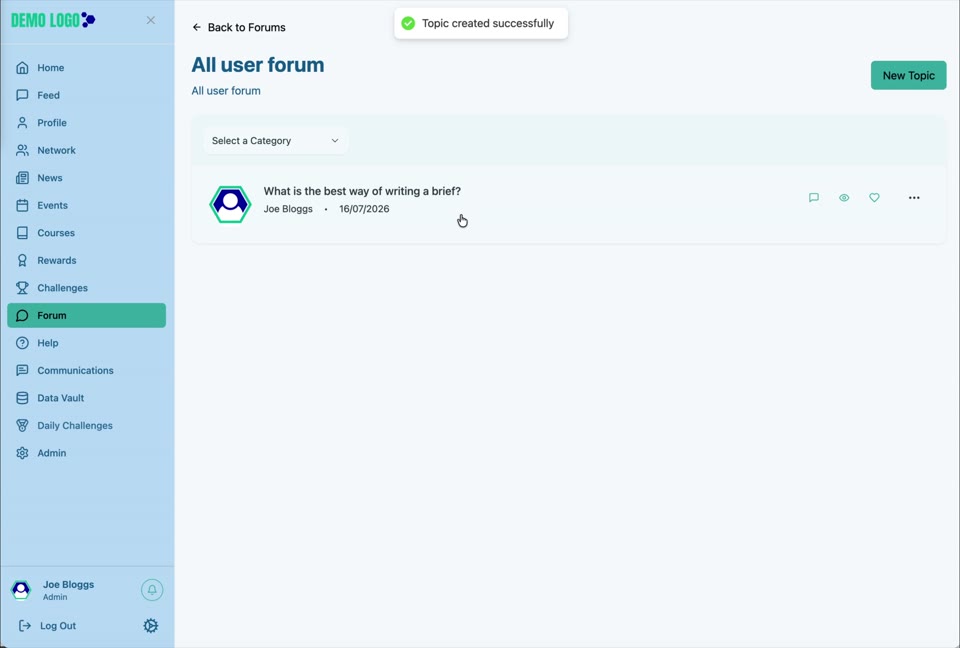
Create and check
Select Create Topic and confirm it appears in the category list.
Read, reply and engage
Open the Topic to view the banner, original post and existing replies. Enter a response in Post a Reply, then submit it. The Topic also exposes interaction controls such as reaction and Share where configured.
Forum best practice
- Use categories that reflect recurring subjects.
- Write titles as clear questions or propositions.
- Set visible community conduct rules.
- Move duplicated topics rather than fragmenting discussion.
- Assign moderation ownership.
- Use Feed for brief updates and Forum for durable discussion.
Forum checklist
- Category is active and correctly named.
- Topic title is clear.
- Images display correctly.
- Content includes enough context.
- Replies can be posted.
- Moderation and reporting routes are understood.
Common issues
New Topic is not available
The user may lack publishing permission, or the Forum category may not be active.
A reply does not appear
Confirm it was submitted successfully, then refresh and check moderation rules.
The Topic is in the wrong category
Use the available administrative controls to correct it rather than recreating the conversation where possible.
Hub version 0.3.7 · Last updated 16 July 2026