Review recent activity
Filter administrator and user actions by type and time, then export the operational record when required.
admin_recent activity.mov · Reviewed against the Buzzmint Engage Admin interface on 16 July 2026. The full-motion master remains in the private BUZZMINT VIDEOS Drive folder.
- 00:00Review all activity
Read the actor, action, item and timestamp.
- 00:20Filter by activity type
Switch between all, admin and user actions.
- 00:48Change the period
Choose today, 7 days, 30 days or all time.
- 00:59Export the record
Create a CSV from the current activity view.
What Recent Activity shows
Recent Activity provides a chronological operational record of actions performed by administrators and users. Entries identify the actor, action, affected item and time.
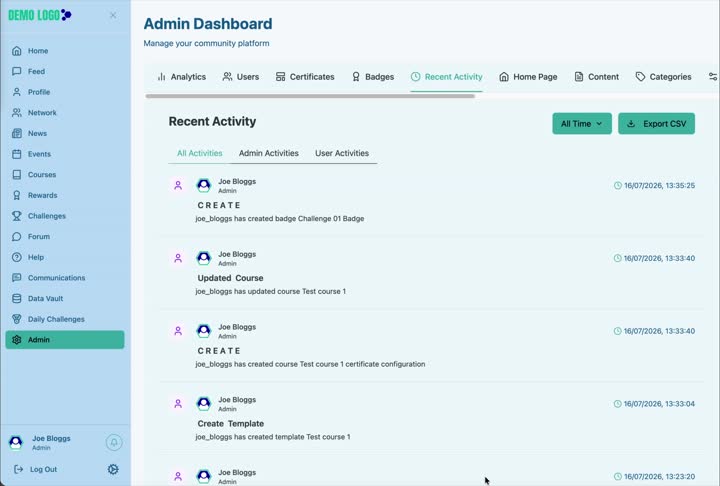
Switch activity type
Use All Activities, Admin Activities and User Activities to isolate the kind of behaviour you are investigating.
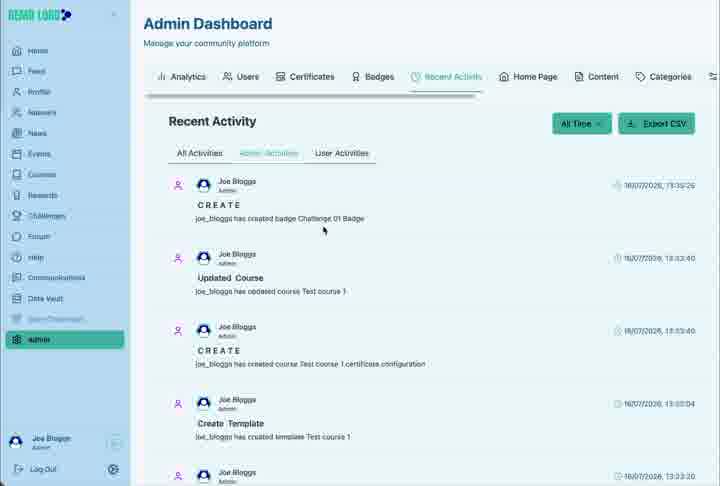
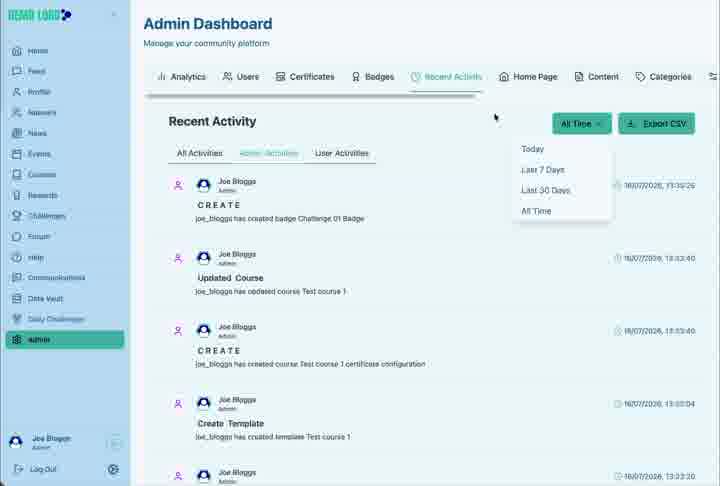
Change the reporting period
The time menu includes Today, Last 7 Days, Last 30 Days and All Time. Start with a narrow range when investigating a known incident, then expand it if needed.
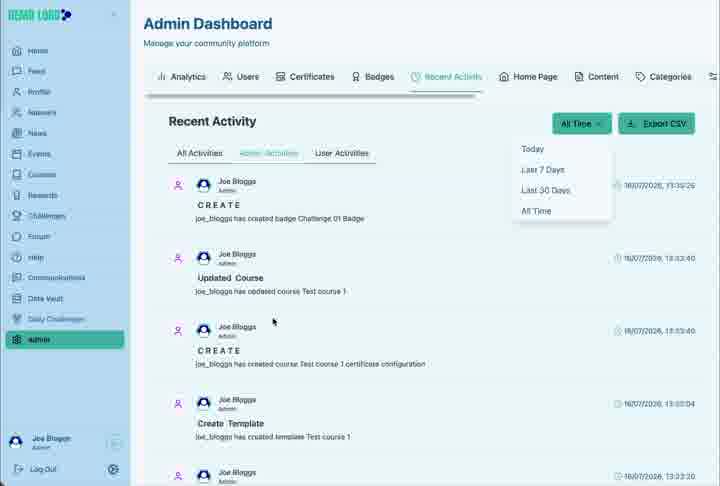
Export the activity record
Use Export CSV when the filtered record needs to be reviewed outside the portal. The export may contain identifiable operational information and should be handled accordingly.
Good uses for Recent Activity
- Confirm whether a content item was created or updated.
- Identify which authorised account performed an action.
- Support investigation of a user-reported issue.
- Review activity during onboarding or launch.
- Provide evidence for an internal change log.
Activity review checklist
- The correct activity type is selected.
- The date range covers the relevant period.
- The actor and affected item have been identified.
- Related content or configuration has been checked.
- Any export is stored and shared appropriately.
Hub version 0.3.7 · Last updated 16 July 2026