Manage Help Centre FAQs
Create, update and verify concise answers to recurring member questions in the Help Centre.
admin_faqs.mov · Reviewed against the Buzzmint Engage Admin interface on 16 July 2026. The full-motion master remains in the private BUZZMINT VIDEOS Drive folder.
- 00:00Review existing FAQs
See questions, answers and available actions.
- 00:10Add a question
Enter the member-facing question.
- 00:20Add the answer
Write and save the response.
- 00:35Verify the FAQ
Check the saved item in Admin and Help.
What Admin FAQs controls
FAQs manages the questions and answers displayed in the member Help Centre. Use it for recurring platform or community questions that can be answered consistently.
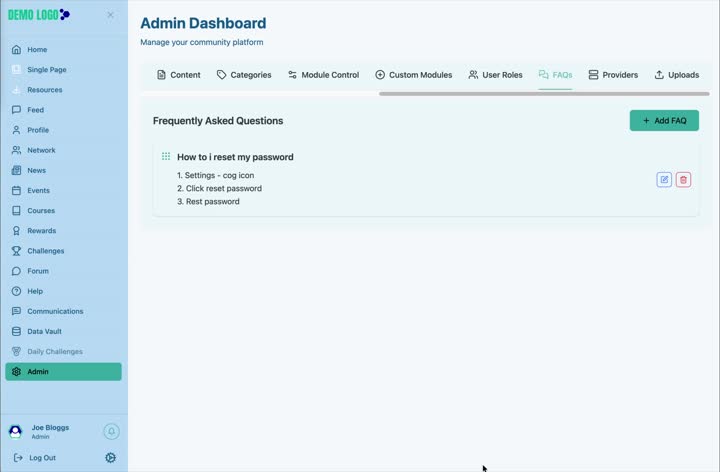
Add an FAQ
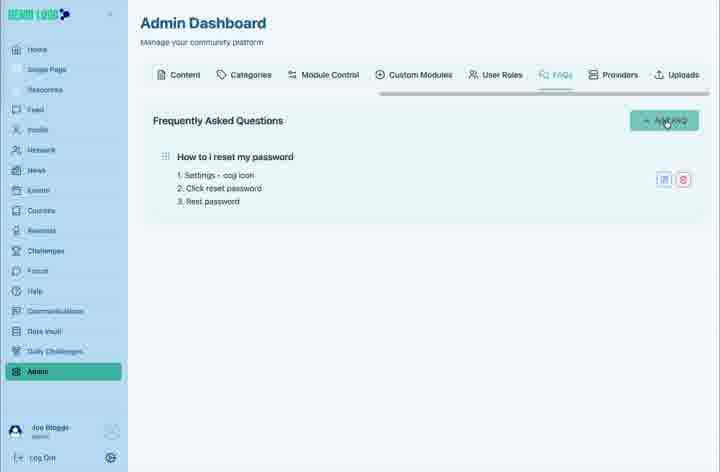
Select Add FAQ
Open the question-and-answer form.
Write the member question
Use the wording members are likely to search or ask.
Write a direct answer
Start with the answer, then add essential steps or context.
Add FAQ
Save and confirm the new item appears in the list.
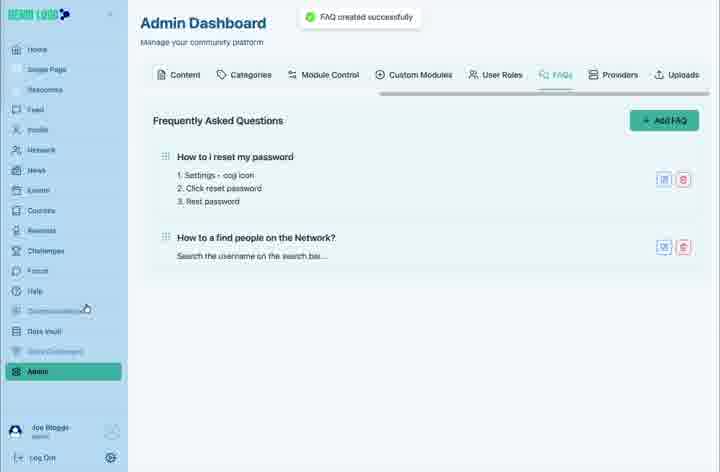
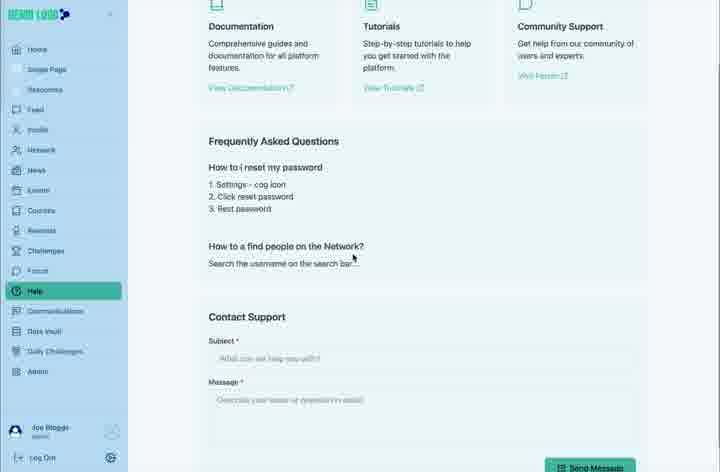
Verify the Help Centre
Open Help as a member and confirm the question, answer and surrounding support routes appear correctly.
FAQ best practice
- Use one question per entry.
- Answer the question in the first sentence.
- Link to a fuller Hub guide when the task requires several steps.
- Review FAQs after product or policy changes.
- Delete duplicate or obsolete answers.
FAQ checklist
- The wording matches a real member question.
- The answer is accurate and concise.
- Any menu labels match the current interface.
- Links work for a non-admin member.
- The item appears correctly in Help.
Common issues
The FAQ does not appear in Help
Refresh the member page and confirm the item was added to the current portal.
Two answers conflict
Retire the older entry and establish one approved source of truth.
The answer has become too long
Keep the direct answer in the FAQ and link to a dedicated Hub article.
Hub version 0.3.7 · Last updated 16 July 2026