Super Admin onboarding
The private Buzzmint team workflow for creating, activating, editing and checking a new client portal.
Purpose of this area
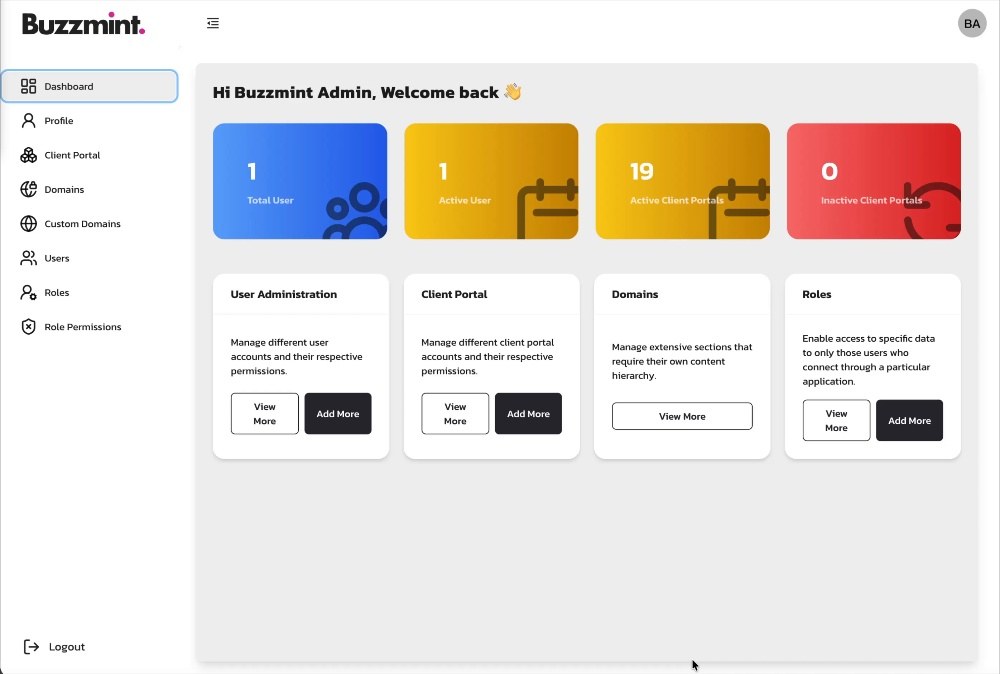
The Super Admin area is used by the Buzzmint team to create and configure a client portal before responsibility is handed to the client’s platform administrators.
The three walkthroughs show a complete initial journey: create the branded portal, confirm the invited administrator can set a password and sign in, then return to Super Admin to amend assets and verify the result in the member-facing portal.
The onboarding workflow
Create the client portal
Enter the named administrator, select the portal type and business sector, configure the visual theme, upload client assets and add login-page content.
Activate the first administrator
Confirm the welcome email is received, use the invitation link, create the account password and verify that the branded login works.
Edit and verify the portal
Return to the client record to correct branding or assets, save the changes, and check the live member-facing result.
Inputs required from the client
The client onboarding questionnaire should provide the core contact details, brand assets, colours and login-page copy before the Buzzmint team begins configuration.
| Category | Required information | Internal check |
|---|---|---|
| Primary administrator | First name, last name, email and country | Use a monitored business address and verify spelling. |
| Portal setup | Portal type, business sector and agreed domain/subdomain | Confirm selections against the signed scope. |
| Theme | Approved light-mode and dark-mode colour values | Check accessibility and contrast before launch. |
| Images | Profile/logo, login background, login-page logo, navigation logo, favicon, dashboard welcome image and email logo | Check format, transparency, crop and legibility. |
| Login content | Terms and conditions URL plus introductory copy | Links must be live and approved by the client. |
Security boundaries
- Use an individual Buzzmint account rather than shared credentials.
- Confirm the selected client before editing.
- Do not place passwords or recovery information in the onboarding questionnaire.
- Record significant post-launch changes through the agreed support process.
Hub version 0.2.0 · Last updated 15 July 2026